TL;DR
This article explains how a single video can generate an entire publishing kit—clipped videos, captions, thumbnails, and more—using local AI tools that keep your content off the cloud. It emphasizes privacy, speed, and cost savings while giving you full control over your media.
If you’ve ever felt overwhelmed by the mountain of assets needed to publish a single video—titles, descriptions, clips, thumbnails—you’re not alone. Content creators spend hours repackaging and optimizing just to get their work seen. But what if all that could be done in one smooth, local process?
Imagine dropping a raw video file into a tool that understands what’s in it—no cloud, no monthly fees, just fast, private automation. That’s the promise behind a new wave of AI-driven workflows that turn one video into a full publishing kit, right on your own hardware. Today, I’ll show you exactly how this works, why it matters, and how you can leverage it for your content.
Key Takeaways
- Local AI workflows process and analyze videos entirely on your hardware, boosting privacy and control.
- You can turn one video into a full suite of assets—clips, captions, thumbnails, and social posts—without ever uploading to the cloud.
- This approach cuts costs by eliminating recurring subscription fees and reduces turnaround times dramatically.
- The initial hardware investment pays off over time with faster, more private publishing cycles.
- Tools like ChannelHelm provide a unified interface to review, edit, and publish all assets, streamlining your content pipeline.
What ‘Without the Cloud’ Really Means for Your Content
When you hear ‘without the cloud,’ think of processing, storage, and metadata generation happening entirely on your local device. No uploading, no third-party servers. For creators, this means more control and better privacy.
For example, a YouTuber can analyze a 20-minute tutorial on their laptop without ever sending footage to an external server. This keeps sensitive content secure and reduces reliance on unstable internet connections.
According to recent shifts in the market, local AI ecosystems—like UniFi’s local video AI—are gaining ground, emphasizing on-prem solutions that handle video analysis without cloud dependency.

How One Video Becomes a Full Publishing Kit in 4 Simple Steps
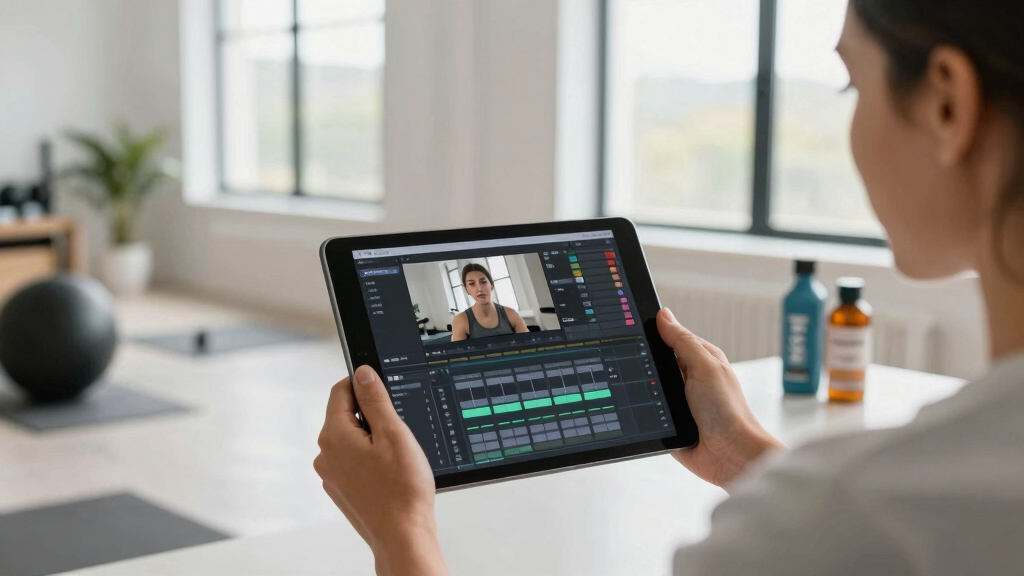
- Drop or paste: Insert your raw footage or link. The system detects your channel and starts working immediately.
- Understand: Background AI transcribes audio, analyzes visuals, and fuses both into a detailed scene map, all on your machine.
- Review: You get a dashboard showing titles, tags, clips, and descriptions. Adjust or regenerate assets without waiting for uploads.
- Publish: Dispatch everything—social media posts, blog drafts, clips—to your platforms, all from one interface.
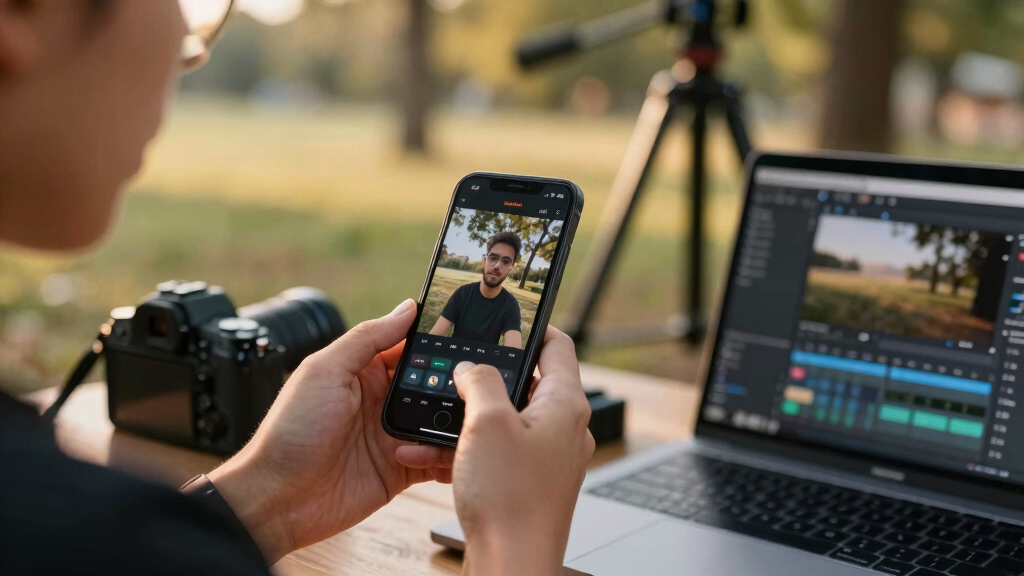
Imagine a workflow where your entire publishing process is condensed into a few clicks, with no cloud involved. That’s the power of a local-first AI system.
Compare Cloud vs. Local: Which Workflow Saves You More?
| Feature | Cloud-Based Workflow | Local-First Workflow |
|---|---|---|
| Privacy | Footage uploaded to third-party servers | All processing on your hardware, data stays private |
| Cost | Recurring subscription fees | One-time hardware + optional software purchase |
| Speed | Dependent on internet speed and server load | Instant, limited only by your hardware |
| Control | Limited; reliant on third-party policies | Full; you own and manage everything |
| Offline use | Usually not possible | Absolutely; works entirely offline |
Choosing local processing means more upfront investment but greater control and savings over time, especially if you publish frequently.

What Assets Can You Generate from a Single Video?
Using local AI tools, a single source video can produce a variety of assets:
- Captions and transcripts—perfect for SEO and accessibility
- Clips of high-retention moments, ready for social
- Thumbnails based on scene analysis
- Short vertical videos for TikTok, Shorts, Reels
- Blog drafts and newsletter summaries
- Meta tags and hashtags, scored for relevance
- Chapter markers for easy navigation
For instance, a 15-minute tutorial could become a 5-part social series plus a blog post—all generated in minutes with the right local AI setup.

Why Privacy and Speed Matter More Than Ever
In today’s content landscape, privacy and speed are king. When you process videos locally, you control your data entirely. No leaks, no third-party access.
Speed matters too. You can turn raw footage into publish-ready assets in half the time, sometimes minutes instead of hours. That means more content, more often, with less hassle.
With tools like the [ChannelHelm](https://channelhelm.com/) system, you get a unified platform that respects your ownership and accelerates your workflow—without the cloud’s noise.

How to Get Started with a Local AI Publishing Kit
- Choose your hardware: A powerful enough PC or server with good storage.
- Install AI tools: Use open-source options like [ChannelHelm](https://github.com/MeyerThorsten/ChannelHelm) or similar local solutions.
- Feed your footage: Drop videos directly into the system or connect your camera feeds.
- Configure assets: Set preferences for clips, thumbnails, and social outputs.
- Review and publish: Use the integrated dashboard to approve assets, then send them out—offline, fast, and private.
This workflow slashes the time from raw footage to published content, all while keeping total control in your hands.
The Hidden Tradeoff: What You Sacrifice (And What You Gain)
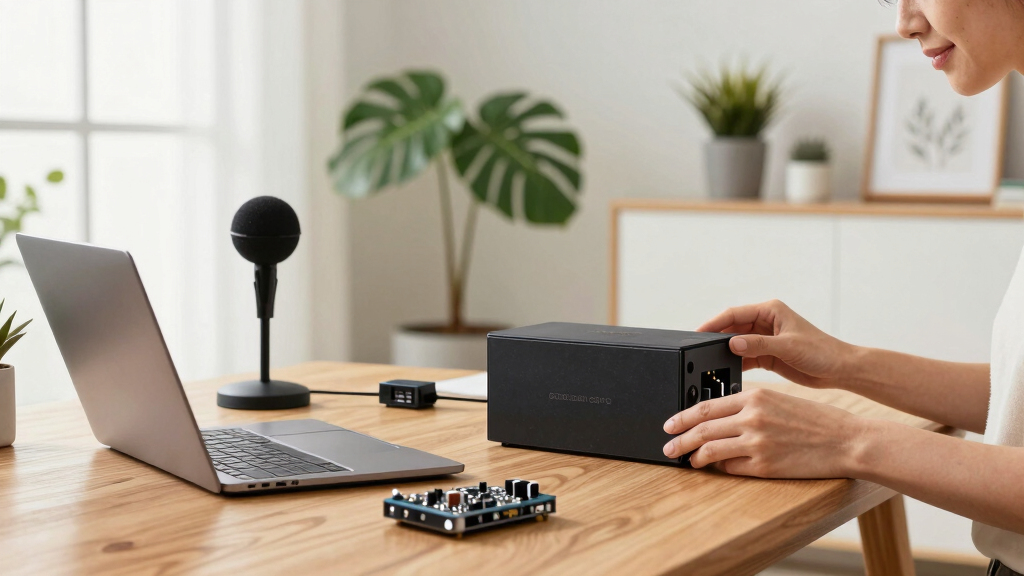
Going local isn’t all roses. It requires an initial hardware investment and some technical setup. You won’t get the instant scalability of cloud services.
But the tradeoff is worth it: complete privacy, zero recurring fees, and lightning-fast turnaround times. Plus, you avoid giving third-party platforms your raw footage—something many creators value deeply.
For example, independent educators or small creators who handle sensitive content will find this workflow a game-changer.
Frequently Asked Questions
Does ‘without the cloud’ mean I can’t use online features?
Not necessarily. Many local AI tools can still connect to online services for updates or cloud backups if needed, but core processing and generation happen offline. You choose the level of connectivity based on your privacy needs.
What outputs can I expect from a single video?
You can generate transcripts, captions, clips, thumbnails, social posts, blog drafts, chapter markers, and metadata—all tailored for different platforms and audiences.
Is this system suitable for small creators and educators?
Absolutely. It’s ideal for anyone handling sensitive content, aiming for faster publishing, or wanting to avoid ongoing costs. The initial hardware setup is an investment that pays off quickly.
Can I use this offline on my existing hardware?
Yes. Many local AI tools are designed to run entirely offline, requiring no internet connection once installed. Check the specific tool’s requirements for best results.
How much does it cost compared to cloud-based solutions?
The upfront hardware cost varies but is often lower than years of cloud subscription fees. Plus, you avoid monthly charges, making it more predictable and cost-effective in the long run.
Conclusion
Switching to a local-first AI publishing workflow puts you in the driver’s seat. You gain speed, control, and privacy—assets made and published entirely on your terms.
Imagine the next time you finish a video and have an entire publishing kit ready in minutes. That’s not future tech; it’s here now, waiting for creators who want more control and less clutter. Are you ready to take that leap?